You prompted v0 for a “full-stack Laravel SaaS dashboard.” It returned beautiful React components. Then you asked it to wire up Eloquent models, generate migrations, and scaffold an API. v0 politely explained that it works in the Next.js ecosystem.
If that scenario sounds familiar, you already know why you’re looking for a v0 alternative.
v0 by Vercel does one thing exceptionally well: it generates clean React + Tailwind components from a prompt. For frontend developers inside the Next.js ecosystem, it is a genuinely useful tool. But for Laravel developers, PHP-focused founders, and anyone building backend-heavy applications, v0 stops short of what you actually need to ship. If you want a full picture of the Laravel-native category, LaraCopilot is the first Laravel AI full-stack engineer, and it changes what this comparison even looks like.
This post breaks down what v0 does, where it falls short for full-stack work, and the best v0 alternatives in 2026, including one built specifically for Laravel developers.
What v0 by Vercel actually is (and where it stops)
v0 by Vercel is an AI UI generator. You describe a component, screen, or page in natural language, and v0 returns production-ready React code styled with Tailwind CSS and shadcn/ui. The output is consistently clean. The integration with Next.js and the broader Vercel platform makes deployment frictionless for teams already in that ecosystem.
In 2026, v0 has expanded beyond pure component generation. The platform now includes a full-stack sandbox, Git panel, and some database integration options. But the core competency, and the engineering focus, remains the same: React components, Next.js routes, and the Vercel deployment pipeline.
That focus is also the limit. v0 generates code optimized for the JavaScript and TypeScript ecosystem. It does not generate PHP. It does not write Eloquent models. It does not produce Laravel migrations, controllers, Blade templates, or Artisan commands.
If your stack is Next.js + Supabase or Next.js + a Node API, v0 fits naturally. If your stack is Laravel + MySQL + Blade or Laravel + Inertia + Vue, you are using v0 against the grain of its design. This is the same gap we covered in our Lovable AI website builder review for Laravel teams, and the pattern repeats across every JavaScript-first AI tool.
Why v0 hits a wall on backend work
The most common reason developers search for a v0 alternative is backend support. The pattern is consistent across reviews and developer forums:
- v0 generates a beautiful dashboard UI in minutes
- The dashboard needs authentication, database queries, business logic, and API endpoints
- v0 can suggest backend code, but cannot run it, scaffold it inside a working server, or maintain it across files
- The developer ends up writing the entire backend manually anyway
v0’s backend support is fundamentally limited by design. The Vercel platform is edge-first and serverless-first. v0’s generation logic assumes that pattern. It can sketch a backend API stub, but it does not build the kind of stateful, convention-driven backend that frameworks like Laravel are designed around. For real backend generation that respects Laravel conventions, see how a purpose-built Laravel API generator approaches the same job.
For a quick prototype or a frontend-heavy SaaS, this constraint may be acceptable. For a real product with user accounts, payments, queues, multi-tenancy, file storage, scheduled jobs, websockets, and dozens of business rules, the constraint becomes a wall.
The other v0 limitations in 2026 that push developers toward an alternative:
- Credit-based pricing. v0 uses token-based credits. Complex prompts burn through them quickly. Costs become unpredictable at scale.
- Ecosystem lock-in. Generated code assumes React, Next.js, and Vercel’s runtime. Moving off that stack means rewriting.
- GitHub integration is limited. Code export and version control workflows do not match what most production teams expect. (LaraCopilot, by contrast, supports private GitHub repo integration out of the box.)
- No first-class support for non-JavaScript languages. PHP, Python, Ruby, and Go developers are not the target audience.
Why Laravel devs specifically outgrow v0
Laravel developers hit the v0 ceiling faster than most. Three reasons.
1. Laravel is convention-heavy. v0 is not Laravel-aware.
Laravel’s value comes from its conventions: Eloquent relationships, route model binding, middleware patterns, service containers, facades, Artisan generators. A real Laravel developer leans on those conventions every hour. v0 doesn’t know any of them. Even when v0 generates “backend code,” that code reads like a generic Node.js API, not a Laravel application. This is exactly why context-aware AI coding for Laravel produces fundamentally different output than a general-purpose tool.
2. The Vercel runtime doesn’t run Laravel cleanly.
PHP needs a long-lived runtime. Vercel’s serverless functions are not designed for that. You can technically run Laravel on Vercel with serverless PHP, but you give up most of what makes Laravel productive: queues, scheduled jobs, websockets via Reverb, file storage, persistent caching. Most teams hosting Laravel use Forge, Cloud, Vapor, or a traditional VPS, which is why one-click Laravel Cloud deployment matters more than serverless edge functions for this audience.
So a Laravel developer using v0 ends up with frontend code that wants to live on Vercel and backend code that has to live somewhere else. That split adds friction, not removes it.
3. The output doesn’t match Laravel idioms.
Even when v0 generates code that touches the backend, it produces a structure that a Laravel developer will refactor before committing. Models without proper relationships. Routes without resource controllers. Authentication that doesn’t use Sanctum or Passport. The generated code is technically functional but conventionally wrong. And in Laravel, conventional correctness is what makes the framework worth using.
If you have been wondering why v0 keeps breaking your Laravel code, this is why. v0 isn’t broken. It is doing exactly what it was built to do, which happens to be the wrong shape for Laravel work.
[Image: Diagram showing the gap between what v0 generates (React UI only) and what a full Laravel app actually needs (controllers, models, migrations, auth, queues, API) | Alt text: v0 backend support gap for Laravel full-stack applications]
v0 alternatives compared: Lovable, Bolt, Replit, Cursor, LaraCopilot
Most “best v0 alternatives 2026” listicles recommend the same four or five tools. Here is an honest breakdown of how each one handles the Laravel and backend question.
v0 vs Lovable
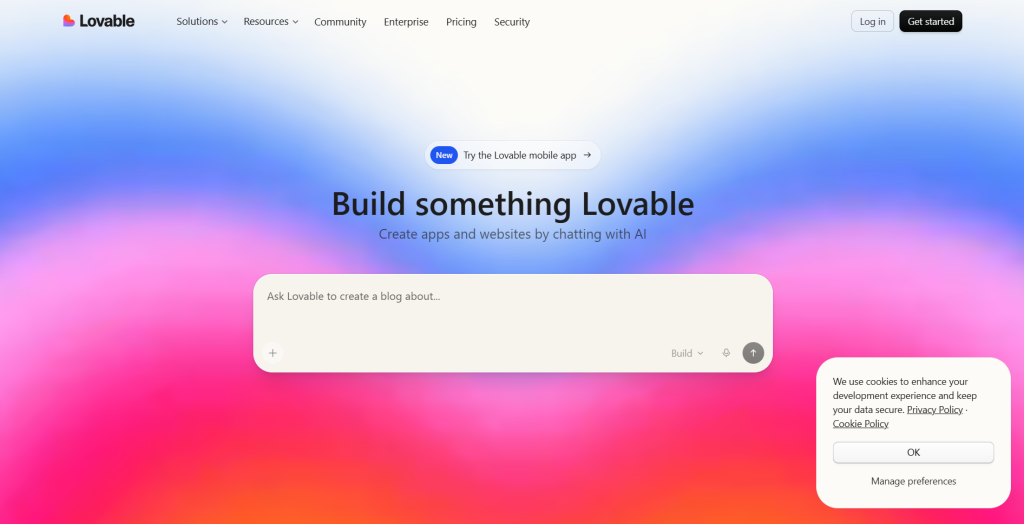
Lovable is the most popular v0 alternative for full-stack work. It generates React applications with Supabase as the backend. Visual edits, real-time database, authentication, and deployment are handled in one flow.
Where Lovable wins over v0: Real backend out of the box. Database, auth, and hosting are included.
Where Lovable falls short for Laravel devs: Lovable’s backend is Supabase. Not Laravel. Not PHP. If your team already runs on Laravel, Lovable means rewriting your entire backend on a different stack. That’s not a swap. It’s a migration.
We covered Lovable’s pricing model in our Lovable pricing review and the agency-specific case in why Laravel agencies choose LaraCopilot over Lovable.
v0 vs Bolt
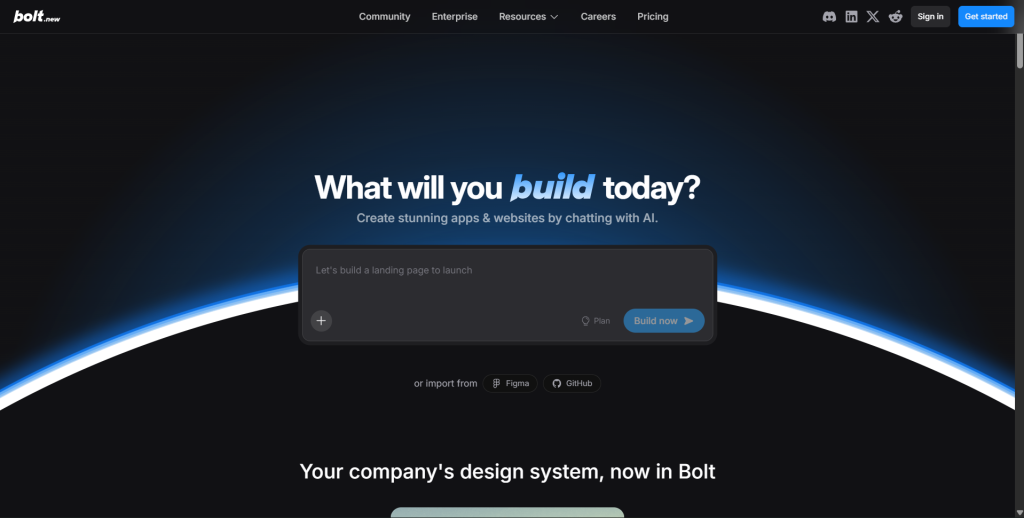
Bolt is a browser-based full-stack AI builder built on WebContainer technology. It supports multiple JavaScript frameworks and runs the entire development environment in your browser.
Where Bolt wins over v0: Full-stack generation, faster iteration, more framework flexibility.
Where Bolt falls short for Laravel devs: Same problem. Bolt is JavaScript-first. PHP is not a supported runtime in WebContainers. You can write Laravel code in Bolt, but you cannot run it there. The full breakdown is in our LaraCopilot vs Bolt backend comparison.
v0 vs Cursor
Cursor is the most popular AI code editor in 2026. Unlike v0, Cursor is not a generator. It is a full IDE with AI baked in. You can use it for Laravel, PHP, Python, or anything else.
Where Cursor wins over v0: Language-agnostic. Cursor edits and assists with any codebase, including Laravel projects.
Where Cursor falls short: Cursor is an editor, not a scaffolding engine. It will help you write a controller faster, but it will not generate a complete Laravel app with models, migrations, routes, and admin panel from a single prompt. For day-to-day editing, Cursor is excellent. For zero-to-MVP scaffolding, it is not the right tool. See our full LaraCopilot vs Cursor for Laravel breakdown.
v0 vs Replit
Replit gives you a full cloud development environment with AI agents. It can run PHP, including Laravel.
Where Replit wins over v0: Real PHP support. You can run Laravel inside Replit.
Where Replit falls short for production Laravel: Replit’s AI agent is general-purpose. It does not understand Laravel conventions deeply. Output quality on Laravel-specific tasks is closer to Cursor than to a Laravel-native tool. We compared the broader category in our best Replit alternatives roundup.
v0 vs LaraCopilot
LaraCopilot is the only AI builder on this list designed specifically for Laravel.
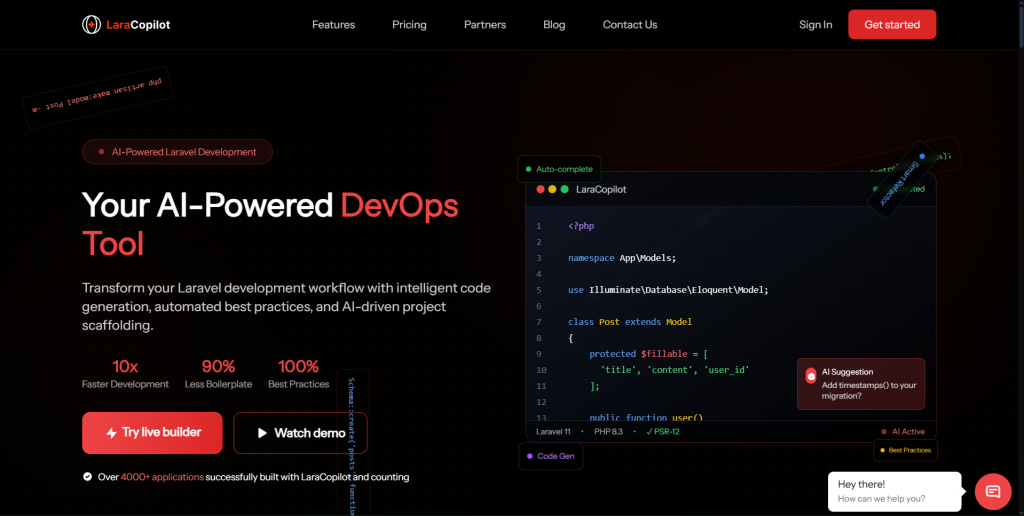
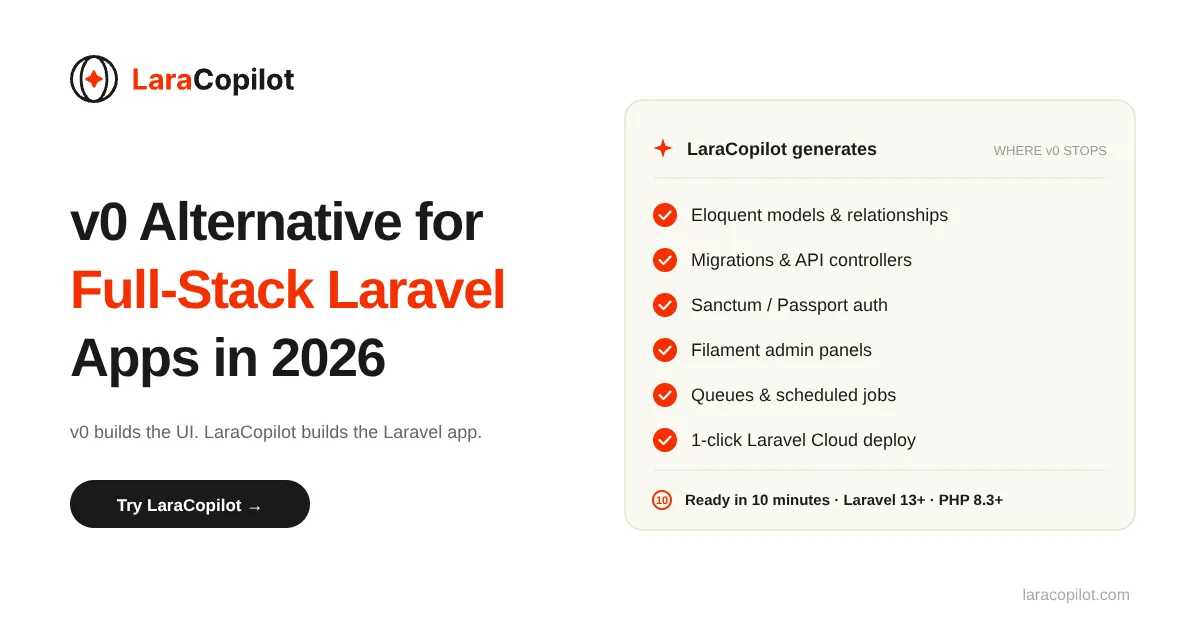
The core difference: v0 generates React components. LaraCopilot generates Laravel applications: Eloquent models with relationships, migrations, controllers, Blade templates or Inertia setups, API routes with Sanctum auth, admin panels, queue jobs, and deployment configuration. The output respects Laravel conventions because the system is built around them. This is what Laravel-native intelligence actually means in practice.
Where LaraCopilot fits in: If your stack is Laravel and you want to ship faster, LaraCopilot is the v0 equivalent for your ecosystem. If your stack is React + Node, LaraCopilot is the wrong tool. Stay with v0 or Lovable.
LaraCopilot supports Laravel 13+, PHP 8.3+, exports cleanly to GitHub, and is currently used by 6,000+ Laravel developers and agencies. The broader Laravel-native AI category is covered in our guide to Laravel AI code generators.
Best v0 alternatives for full-stack apps in 2026
Here is a clean summary of which v0 alternative for full-stack work to use, based on your stack:
| Your stack | Best v0 alternative |
|---|---|
| React + Supabase + serverless | Lovable (closest to v0 in approach, real backend included) |
| Any JS framework, browser-based dev | Bolt (full-stack, fast iteration, WebContainer-based) |
| Existing codebase, language-agnostic editing | Cursor (best AI IDE, works with any language) |
| Multi-language sandbox, PHP supported | Replit (runs Laravel but generic AI output) |
| Laravel + PHP, production apps | LaraCopilot (Laravel-specific scaffolding, convention-aware) |
For most Laravel developers, the answer is LaraCopilot. For Laravel agencies and founders building on PHP, the answer is the same. v0 alternative for full stack work is not one tool that beats v0 universally. It is the tool that matches your stack.
When to switch entirely vs pair v0 with a Laravel backend
You do not always need to abandon v0. Many Laravel teams use v0 as a UI design step and a Laravel-native tool as the application engine.
The pairing pattern that works:
- Use v0 (or Figma + v0) to generate the UI mockups and React component code
- Translate the visual design into Blade or Inertia components inside your Laravel app
- Use LaraCopilot to scaffold the full Laravel backend: models, migrations, controllers, API, auth, admin
- Deploy on Laravel Cloud, Forge, or your existing Laravel infrastructure
You get v0’s UI quality and a real Laravel backend. The two tools serve different parts of the workflow.
When to switch entirely:
- You build primarily backend-heavy applications. See the use cases for SaaS, internal tools, and marketplaces where this is the norm.
- Your team is Laravel-first and doesn’t ship to Vercel
- You are paying for v0 credits but rarely using the React output
- You need multi-tenancy, queues, websockets, or other Laravel-native features that v0 doesn’t touch
In those cases, the v0 alternative isn’t supplementary. It replaces v0 entirely in your workflow.
How LaraCopilot fills the gap v0 leaves for Laravel teams
LaraCopilot is the Laravel-specific answer to the v0 alternative question. It generates the parts of a Laravel application that take longest to build manually:
- Eloquent models with proper relationships, casts, and accessors
- Migrations that follow Laravel conventions
- Controllers (resource, API, single-action) with validation
- Blade templates or Inertia.js + Vue/React setups
- Sanctum or Passport authentication flows
- Admin panels built on Filament or custom Blade
- RESTful APIs with route model binding
- Queue jobs, scheduled tasks, and event listeners
- One-click deployment to Laravel Cloud
The generated code is PSR-compliant and Laravel Pint formatted. You can push directly to GitHub. The output is what a senior Laravel developer would write, generated from a plain-English description.
Where v0 leaves you with a beautiful React component and an empty backend, LaraCopilot leaves you with a working Laravel application. For developers who want to verify the technical depth before signing up, the LaraCopilot documentation covers the full API and integration surface.
[Image: LaraCopilot interface showing a prompt being translated into a complete Laravel application structure | Alt text: LaraCopilot generating a full-stack Laravel app from a single prompt]
Pick the v0 alternative that matches your stack
v0 by Vercel is one of the best AI UI generators in 2026. For React and Next.js developers, it earns its place in the toolkit. The problem is not v0. The real problem is using v0 outside the ecosystem it was built for.
If you are a Laravel developer, your v0 alternative is not Lovable, Bolt, or Replit. It is a tool built around the conventions, idioms, and runtime your application actually uses.
That is the gap LaraCopilot was built to fill.
Try LaraCopilot free. Generate your first Laravel app in under 10 minutes. Get the Full Stack with LaraCopilot →