
The best AI platform for building apps in 2026 depends entirely on your stack. If you are building on Laravel and PHP, LaraCopilot is the only purpose-built tool that generates production-ready full-stack Laravel applications in minutes not generic code you still have to wrangle into shape. For general-purpose web apps, Lovable, Bolt.new, and Rocket.new each serve different builder types. Here is how all eight rank, backed by real data.
The AI app-builder market crossed a critical threshold in 2025: tools stopped producing demos and started shipping production code. That shift has made choosing the right platform a genuine strategic decision. Pick wrong and you spend more time debugging AI output than writing your own code.
This ranked list covers what each platform actually is, how it works, what its tech stack looks like, where users love it, where they complain, and exactly what you will pay.
Key Takeaways
- LaraCopilot is the only AI builder designed specifically for Laravel + PHP, cutting MVP setup time by 75% compared to manual development.
- Lovable ($25/mo) and Bolt.new ($25/mo) both target general React/Supabase apps but have a known “looping bug” problem that drains credits.
- Emergent.sh uses multi-agent orchestration (React + Python FastAPI + MongoDB) and has the most flexible pricing starting at $0 but complexity spikes fast.
- V0 by Vercel is the strongest tool for UI-only generation, scoring 8.2/10 in expert reviews, but it is not a full-stack builder.
- Bubble remains the most established no-code platform with 8,000+ plugins but carries the steepest learning curve and no source-code export.
1. LaraCopilot
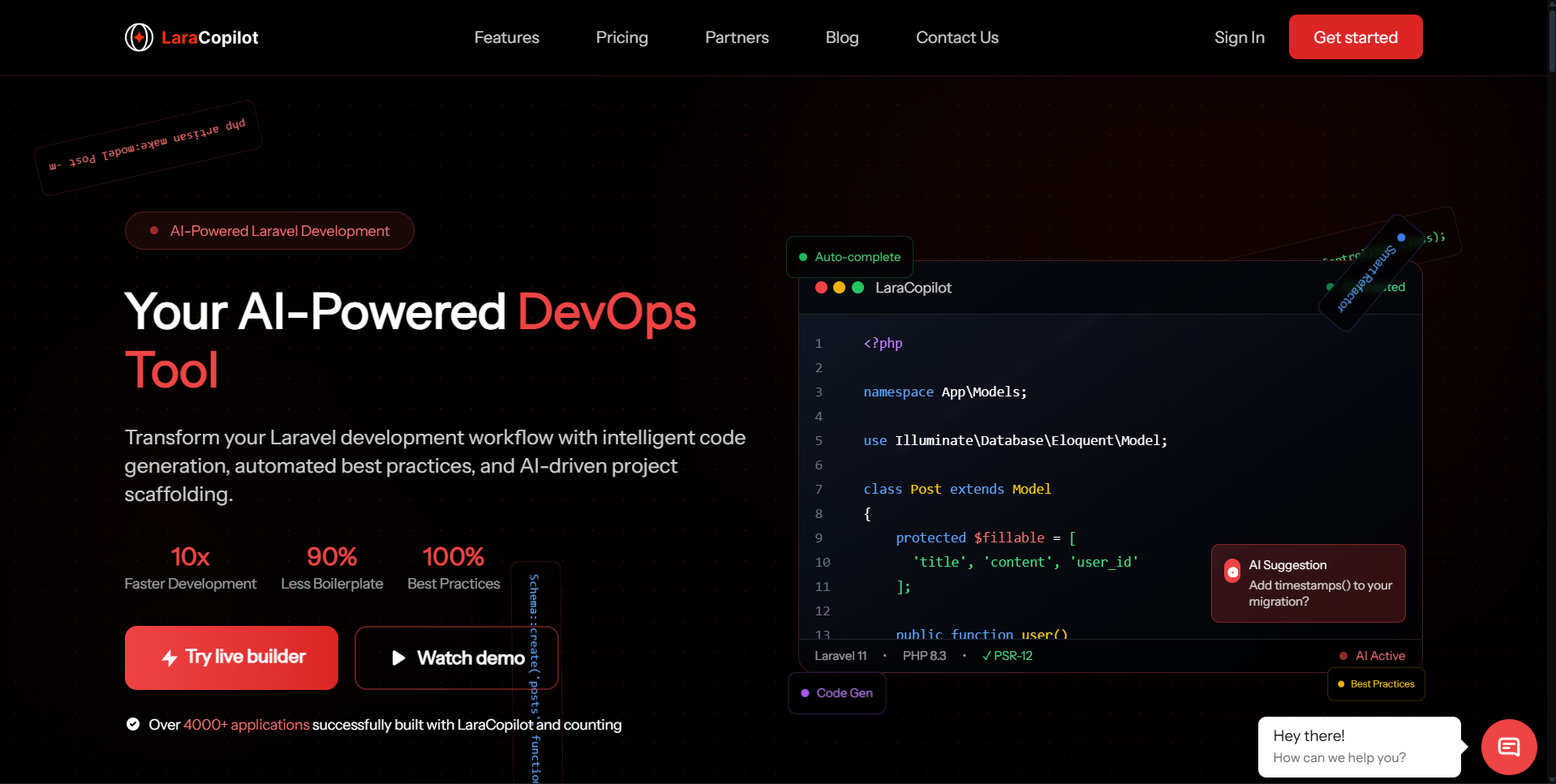
What is it: LaraCopilot is the world’s first AI full-stack engineer built exclusively for the Laravel ecosystem. Created by ViitorCloud, an official Laravel Partner, it takes a plain-language prompt and generates a complete Laravel application — database schema, migrations, admin panel, authentication, and a responsive frontend all inside a browser-based IDE with no local install required.
Tech Stack: Laravel 13+, PHP 8.3+, native GitHub export, Laravel Pint for automatic code linting. Deployment is one-click. The entire output is production Laravel code, not a wrapper or abstraction layer.
Working Mode: Prompt in the browser, watch the full-stack app assemble in real time, preview live, sync to GitHub, deploy with one click.
Platform Strength: Specificity is the core differentiator. Every other tool on this list generates generic React/Supabase apps. LaraCopilot generates strict, Laravel-standard code that passes Laravel Pint linting automatically. Apps that used to take days are produced in 2 to 8 minutes, with MVP setup time cut by 75% or more compared to manual Laravel development. Because ViitorCloud is an official Laravel Partner, the architectural decisions inside LaraCopilot reflect how experienced Laravel teams actually build not how a general AI guesses they do.
Weakness: LaraCopilot is purpose-built for Laravel. If your stack is Node.js, Python, or React-only, it is the wrong tool.
How Users Love It: Developers report skipping the boilerplate phase entirely models, controllers, policies, and admin panels arrive fully wired. Teams describe it as having a senior Laravel developer available at any hour who never makes beginner mistakes.
How Users Complain: Some developers report wanting more customization at the infrastructure level before the one-click deploy step.
Best For: Laravel developers, PHP teams, agencies building client apps on Laravel, startups founders validating ideas.
Key Features:
- Full-stack Laravel app generation from a single prompt (frontend + backend + DB + auth + admin)
- Built-in IDE with live preview, no install required
- One-click deployment with GitHub sync
- Laravel Pint automatic linting and code enforcement
- Pay-as-you-build credit system with no seat fees
Pricing: Free plan includes credits for up to 2 projects. Additional projects use a pay-as-you-build credit model.
2. Lovable
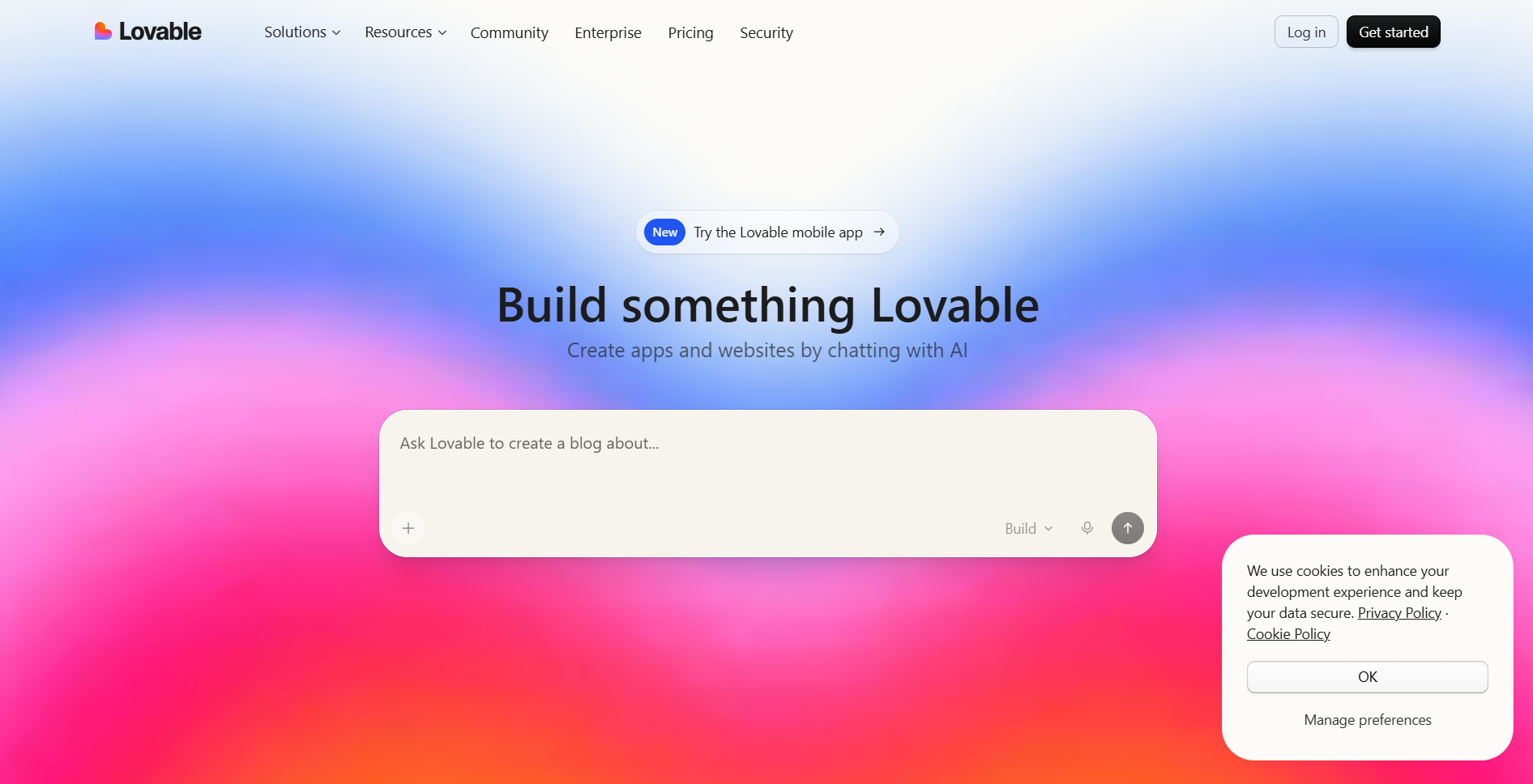
What is it: Lovable is a general-purpose AI app builder that generates full-stack web applications from plain English. Originally launched as GPT Engineer, it rebranded and expanded into a platform offering Agent Mode, Chat Mode, and Visual Edits.
Tech Stack: React (frontend), Tailwind CSS (styling), Supabase (auth, database, storage), Stripe (payments), GitHub (two-way sync).
Working Mode: Describe your app in chat, watch Lovable generate frontend and backend together, use Visual Edits to tweak interface elements without re-prompting.
Platform Strength: Speed. Users report compressing months of development into days. The full-stack generation — frontend, auth, database, and storage ships in a single generation cycle, making it one of the most complete prompt-to-product pipelines available for general-purpose apps.
Weakness: The “looping” problem is a documented pain point. The AI gets stuck in bug-fix cycles, re-introducing errors it just corrected while consuming paid credits. Users also report instances where the AI incorrectly reports a bug as fixed when it is not, leading to unreliable output.
How Users Love It: The speed of going from idea to working prototype is repeatedly cited as transformative, particularly for founders and solo builders who need an investor demo or an early beta.
How Users Complain: Credit waste during looping is the top complaint. The Pro plan’s 100 monthly credits disappear faster than expected when the AI cycles through broken fixes. Credit-based pricing with unpredictable consumption is a recurring frustration.
Best For: Startup founders building MVPs, indie developers validating SaaS ideas, small teams needing demos for investors or users.
Key Features:
- Agent Mode for autonomous multi-step development
- Chat Mode for iterative planning and debugging
- Visual Edits for interface adjustments without reprompting
- Full-stack generation with auth, database, and storage in one cycle
- GitHub two-way sync
Pricing: Free ($0/mo, 5 daily credits), Pro ($25/mo, 100 monthly credits), Business ($50/mo, SSO + team workspace), Enterprise (custom).
3. Bolt.new
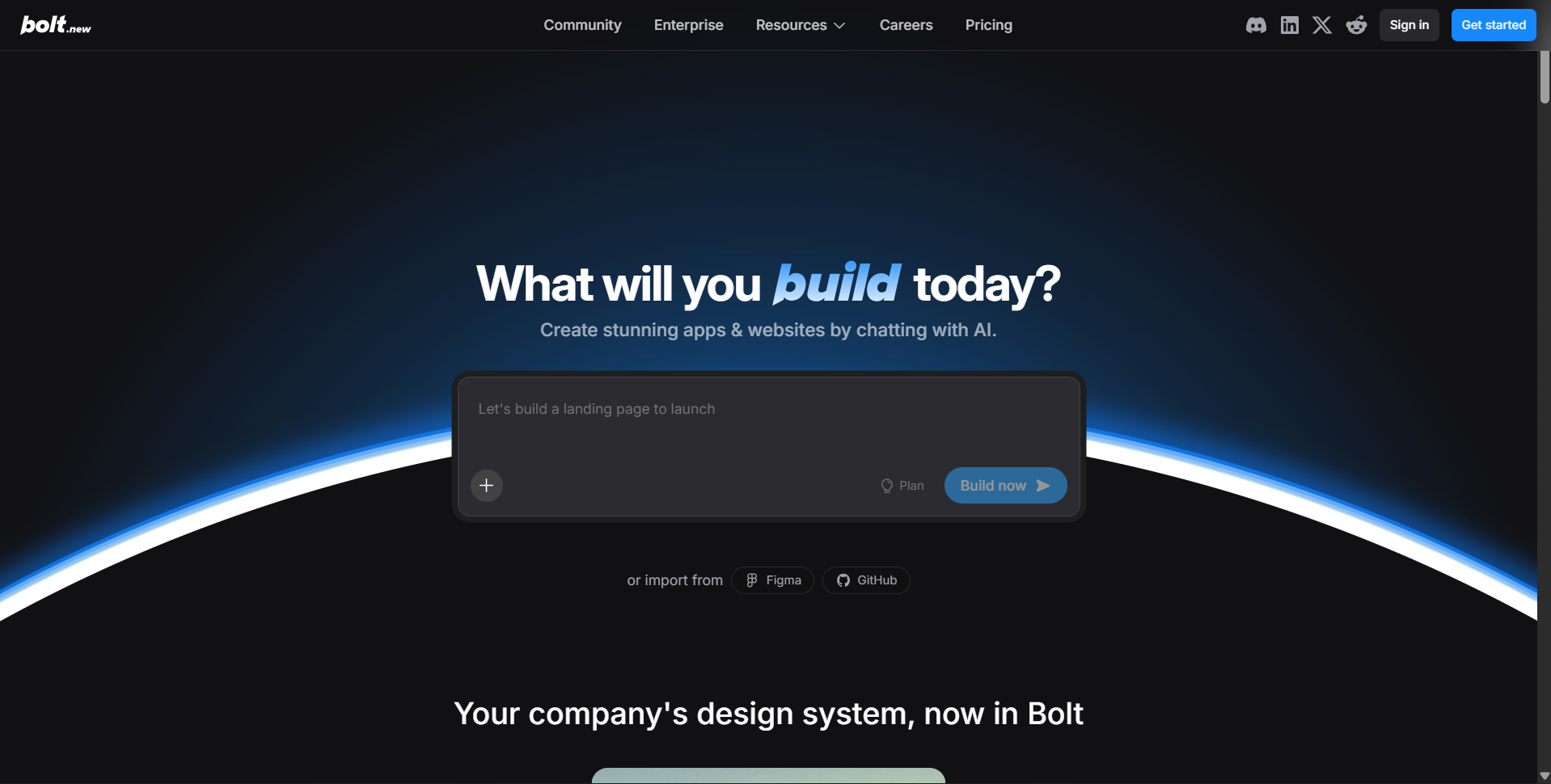
What is it: Bolt.new is StackBlitz’s AI-powered full-stack builder that runs inside a browser-based WebContainers environment. It accepts text prompts, images, Figma files, and GitHub repositories as input and scaffolds a working app in real time.
Tech Stack: Powered by Anthropic’s Claude (Sonnet 3.5, with Opus 4.6 added in 2026 with adjustable reasoning depth). Generates React, Node.js, and PostgreSQL apps. Bolt Cloud (launched with V2) adds built-in databases, authentication, file storage, edge functions, analytics, and hosting.
Working Mode: Prompt in browser, app scaffolds in a live WebContainers environment, iterate via chat, deploy from inside the tool.
Platform Strength: Speed of initial generation, combined with the flexibility of accepting multiple input types (text, image, Figma). Bolt Cloud V2 significantly closed the deployment gap that earlier versions left open. Unused tokens now roll over for one month (since July 2025), which improves value on the Pro plan.
Weakness: Bolt has the least transparent pricing of any tool on this list. The token system means complex apps consume credits at unpredictable rates — a single generation round on a complex prompt can burn a meaningful portion of the monthly allocation. There is also no formal security compliance: no GDPR, SOC 2, or HIPAA certification, which rules it out for regulated industries.
How Users Love It: Developers describe Bolt as the fastest tool for early-stage prototyping when the goal is a working product in hours, not a polished one. The Figma-to-code input is especially popular with design-first teams.
How Users Complain: The credit system opacity is the top complaint. Prompts consume tokens at variable rates, making monthly costs hard to predict. The absence of compliance certifications also blocks adoption in healthcare, finance, and other regulated sectors.
Best For: Early-stage builders, design-to-code workflows, rapid prototyping, teams that iterate heavily before committing to a final architecture.
Key Features:
- Multi-input support: text, image, Figma, GitHub repository
- Bolt Cloud with built-in databases, auth, file storage, edge functions
- Claude Opus 4.6 with adjustable reasoning depth
- Token rollover for one month on unused credits
- Browser-based WebContainers with zero local setup
Pricing: Free tier available. Pro at $25/mo. Token system with variable consumption per generation.
4. Emergent.sh
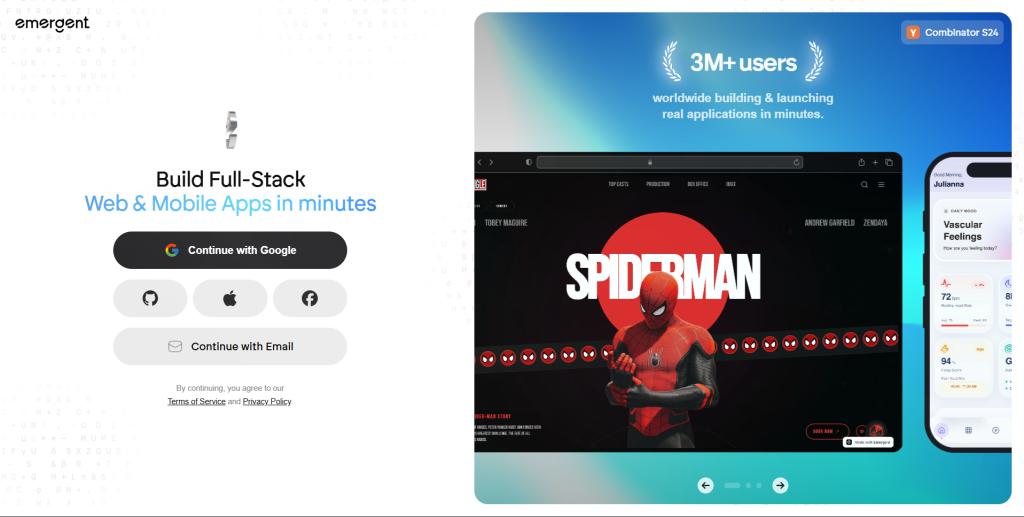
What is it: Emergent.sh is a Y Combinator-backed multi-agent platform that orchestrates teams of specialized AI agents to build full-stack apps end to end. Rather than one model running in a loop, Emergent delegates subtasks to agents tuned for their specific domain: data modeling, UI wiring, third-party integrations.
Tech Stack: React + Tailwind CSS (frontend), Python FastAPI (backend), MongoDB (database), Docker (containerization), GitHub integration. Pro tier adds a 1M-token context window and “ultra thinking” mode for complex reasoning tasks.
Working Mode: Single chat conversation orchestrates multiple agents working in parallel. Output is a deployed, shareable app — not a sandbox demo.
Platform Strength: Multi-agent architecture means the platform handles genuinely complex apps without the quality degradation that single-model loops produce. The Pro tier’s 1M context window is meaningful for codebases large enough to require full context awareness. GitHub export and fork-tasks enable branching from a working app to test variations.
Weakness: Pricing escalates sharply. The jump from Standard ($20/mo, 100 credits) to Pro ($200/mo, 750 credits) is steep. The platform’s Python/FastAPI backend is a different paradigm from JavaScript-first builders, which can create friction for teams already embedded in a JS ecosystem.
How Users Love It: The parallel agent model is the differentiator users cite most — getting a data model, UI, and third-party integrations handled simultaneously reduces back-and-forth significantly compared to single-model builders.
How Users Complain: The Pro tier’s price-to-credit ratio is a friction point. Power users building multiple projects can exhaust 750 Pro credits faster than the math suggests.
Best For: Technical founders building complex apps, product teams that need full-stack generation with real deployment, enterprises evaluating AI-native development workflows.
Key Features:
- Multi-agent orchestration with specialized agents per subtask
- One-click LLM integration and custom agent creation
- 1M context window on Pro (holds full large codebase in memory)
- Fork-tasks for branching variations from a working app
- Full deployment: auth, database, hosting, and integrations included
Pricing: Free ($0, 10 credits), Standard ($20/mo, 100 credits), Pro ($200/mo, 750 credits), Team ($300/mo, 1,250 shared credits), Enterprise (custom).
5. Rocket.new
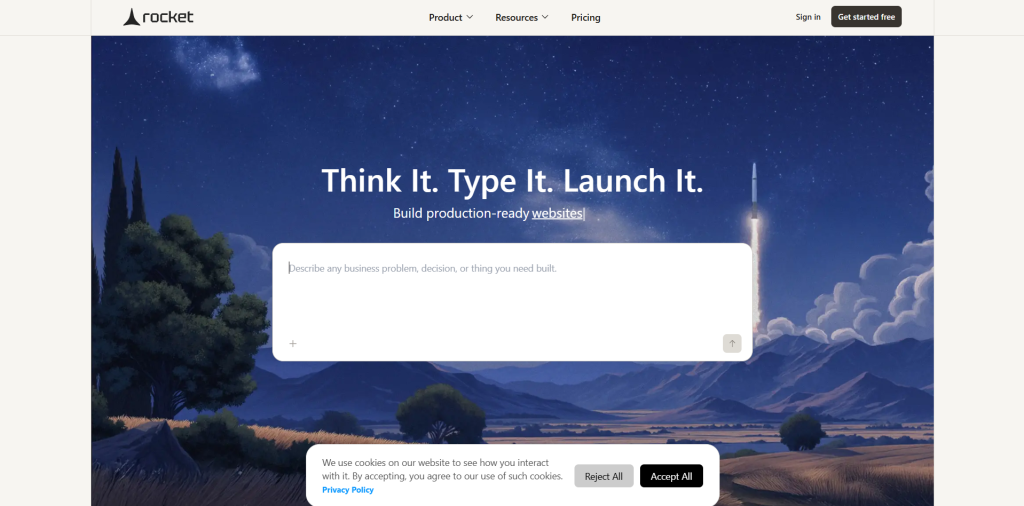
What is it: Rocket.new is a full-stack AI app builder with a “code-first” philosophy — it generates production-ready code wrapped in a conversational interface, with support for web (React/Next.js) and native mobile (Flutter).
Tech Stack: React, Tailwind CSS, Recharts, Next.js (web), Flutter (mobile). Supabase, Stripe, Resend, SendGrid, Brevo, Mailchimp, Twilio for integrations. AI models from OpenAI, Anthropic, and Google Gemini are all supported.
Working Mode: Prompt in natural language, Rocket generates production code and deployment, use Precision Mode with 100+ slash commands for granular control.
Platform Strength: 25+ native integrations that work from the first build — no post-generation wiring required. Flutter support makes it one of the few AI builders that generates native mobile apps, not just web apps. Transparent credit pricing with no per-seat fees means teams of any size pay the same per credit.
Weakness: Rocket is a newer entrant and its community and documentation ecosystem are smaller than Lovable or Bolt. The slash command precision system has a learning curve for non-technical users.
How Users Love It: Developers describe the output quality as materially above other tools — one ProductHunt reviewer stated it made them “question why I ever paid for Bolt, Lovable, V0” in a direct comparison. The one-prompt-to-deployed-app pipeline with integrations already wired is repeatedly cited.
How Users Complain: The free tier’s 20 one-time credits are consumed quickly on complex prompts. Some users report the app research and competitor tracking features are less refined than the core generation capability.
Best For: Startups building mobile + web products simultaneously, developers needing rich third-party integrations from day one, teams wanting transparent per-credit pricing.
Key Features:
- Flutter mobile + Next.js web generation from a single project
- 25+ native integrations (Stripe, Supabase, Twilio, Mailchimp, and more) ready from first build
- Precision Mode with 100+ slash commands for granular control
- Multi-provider AI support: OpenAI, Anthropic, Google Gemini
- Transparent credit pricing, unlimited team members on all plans
Pricing: Free (20 one-time credits), Build ($25/mo, 100 monthly credits + additional credit purchase available).
6. Floot
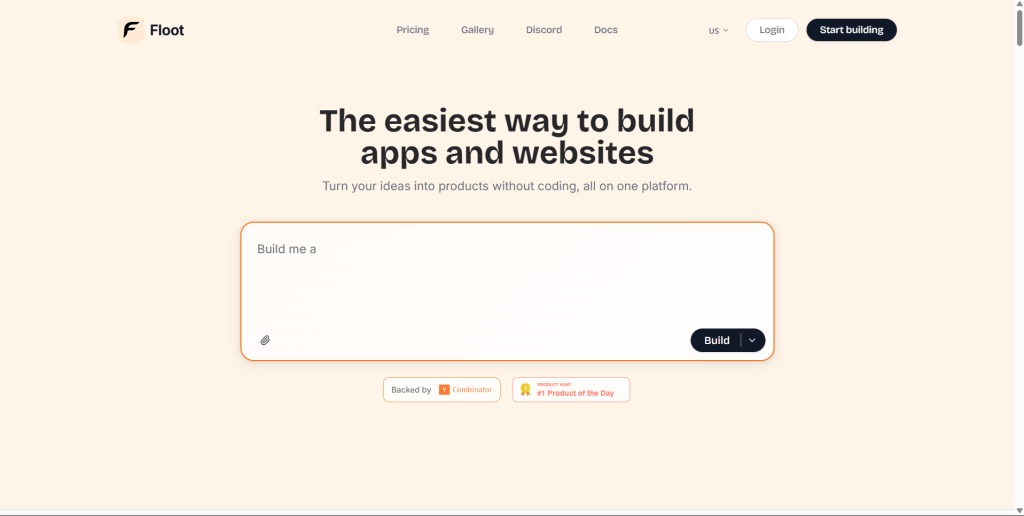
What is it: Floot is a Y Combinator-backed no-code AI builder aimed at non-coders — entrepreneurs, business owners, and domain experts who need web apps without touching code or managing infrastructure.
Tech Stack: Proprietary full-stack (backend, database, hosting are all built in). Hosted on AWS with edge delivery for performance. Because Floot controls every layer, the platform optimizes each layer for AI-first development. No external database configuration required.
Working Mode: Describe the app in plain language, use the visual editor to draw design changes directly onto the interface, let the AI auto-detect and fix errors.
Platform Strength: Zero infrastructure management. Non-coders get a production-ready, SEO-optimized app hosted on AWS without any DevOps knowledge. Auto-error detection removes one of the biggest friction points in AI-generated code. Built-in SEO tools and edge delivery are included at every tier.
Weakness: The proprietary stack is a lock-in risk. Unlike Lovable or Bolt which export to GitHub, Floot’s all-in-one approach means you cannot export the codebase and run it yourself. The credit model also adds cost unpredictability as usage scales.
How Users Love It: Non-technical founders consistently cite Floot as the platform that finally lets them build without needing a developer. The visual editor for design changes — drawing directly on the app instead of reprompting — is a standout UX differentiator.
How Users Complain: The proprietary stack lock-in is the most cited concern from technical reviewers. Developers who want code ownership or the ability to self-host are not the target audience, but some users discover this limitation only after building.
Best For: Non-technical founders, entrepreneurs prototyping internal tools, business owners who need a web app without developer dependencies.
Key Features:
- Conversational app building with visual editor overlay (draw changes on the app directly)
- Auto-error detection and fixing with no manual debugging
- Fully proprietary stack: backend, database, hosting all built in
- AWS hosting with edge delivery and SEO optimization included
- No infrastructure management required at any tier
Pricing: Free plan (explore and build basic apps), Pro ($25/mo + $25 per 25,000 credits, includes production hosting, database, auth, custom domains, SEO, priority support), Enterprise (custom).
7. V0 by Vercel
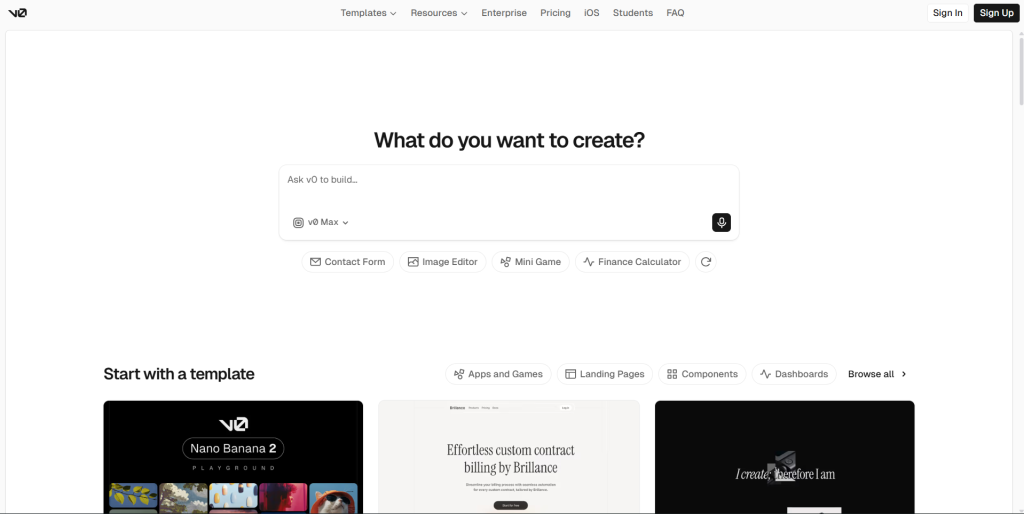
What is it: V0 by Vercel is an AI-powered UI generation tool not a full-stack builder. It takes text prompts or screenshots and generates production-ready React components using Next.js, Tailwind CSS, and the shadcn/ui component library. It sits inside the Vercel ecosystem as a UI accelerator.
Tech Stack: Proprietary AI models (Mini, Pro, and Max) fine-tuned specifically for React and frontend code. Output: shadcn/ui components, Tailwind CSS, Next.js conventions. In 2026, V0 added a sandbox runtime for full-stack apps, Git panel for branch creation and PRs from inside chat, and database integrations (Snowflake, AWS).
Working Mode: Prompt or paste a screenshot, receive production React code with TypeScript types, responsive design, and accessibility attributes by default. Refine conversationally. Export directly to a Vercel project.
Platform Strength: The highest code quality of any tool on this list for frontend UI. Expert reviews score V0 at 8.2/10, with users consistently reporting they ship V0-generated components to clients without significant modification. TypeScript types, responsive design, and ARIA accessibility are included by default not retrofitted.
Weakness: V0 is not a full-stack builder. It generates UI components, not complete applications with auth, database, and deployment. Token-based pricing makes costs unpredictable: a full multi-page app generation can consume an entire month’s credit allocation in a single session. Best results require existing Vercel ecosystem familiarity.
How Users Love It: Frontend developers describe V0 as the most reliable AI tool for UI code — the output consistently passes code review without major rework, which no other tool on this list achieves at the same rate for frontend components.
How Users Complain: The scope limitation frustrates users who want a full-stack solution. The token pricing unpredictability on complex prompts is the second complaint. Users who expected a complete app builder, not a UI generator, are frequently disappointed.
Best For: Frontend developers who want AI-accelerated UI generation, teams already in the Vercel/Next.js ecosystem, developers who need production-quality React components quickly.
Key Features:
- Production-ready React components with TypeScript, Tailwind CSS, and shadcn/ui by default
- Screenshot-to-code generation
- Sandbox runtime for full-stack app testing
- Git panel: create branches and PRs from inside chat
- Three AI models (Mini, Pro, Max) with different capability and cost profiles
Pricing: Free ($0, $5/mo in credits), Premium ($20/mo, $20/mo in credits with Figma import and API access), Team ($30/user/mo with shared credits), Enterprise (custom).
8. Bubble
What is it: Bubble is the most established no-code visual development platform on this list, having operated since 2012. It provides a full-stack visual builder with a relational database, workflow system, and API integrations all without writing code for users who need maximum customization depth in a no-code environment.
Tech Stack: Hosted on enterprise-grade AWS with built-in redundancy. Integrated relational database. Over 8,000 plugins available for extending functionality with Stripe, analytics platforms, automation tools, and more. Native mobile app builder entered public beta in mid-2025.
Working Mode: Drag-and-drop visual editor for UI, workflow editor for logic, database editor for data modeling. No AI prompt interface, this is a structured visual builder, not a conversational one.
Platform Strength: Depth. No other tool on this list offers Bubble’s level of customization without code. The 8,000+ plugin ecosystem means almost any integration or functionality is achievable. The platform is mature — bugs are known quantities, the community is large, and documentation is extensive. Over 3 million apps have been built on Bubble.
Weakness: The steepest learning curve on this list. New users consistently report weeks of learning before reaching productivity. Pricing is frequently cited as expensive for startups production hosting, team features, and premium plugins stack up quickly, with some apps reaching $150/mo in plugin subscriptions alone on top of Bubble’s base plan. There is no source code export, creating platform dependency.
How Users Love It: Experienced Bubble builders describe it as the only no-code tool capable of building genuinely complex, production-grade web applications marketplaces, SaaS platforms, social networks — without a single line of code.
How Users Complain: The learning curve, pricing unpredictability at scale, and absence of code export are the three consistent complaints in 2026 reviews. The usage-based workload unit pricing also creates cost unpredictability as apps grow.
Best For: Builders who need deep customization without code, teams building complex multi-sided marketplaces or SaaS platforms, organizations with budget for a platform that rewards long-term expertise investment.
Key Features:
- Full-stack visual builder: UI, database, workflows, and API integrations in one interface
- 8,000+ plugins for extensions and third-party integrations
- Relational database built in with no external configuration
- Native mobile app builder (public beta as of mid-2025)
- Enterprise AWS infrastructure with built-in redundancy
Pricing: Free plan (50,000 workload units/mo, full visual editor and database). Paid plans scale with workload and team features. Plugin subscriptions are additional.
Which AI App Builder Platform Should You Choose in 2026?
The right platform depends on your stack and your team’s profile:
| Platform | Best For | Starting Price |
|---|---|---|
| LaraCopilot | Laravel / PHP team/ Complex SaaS | Free (2 projects) |
| Lovable | General SaaS MVPs | $25/mo |
| Bolt.new | Rapid prototyping, Figma-to-code | $25/mo |
| Emergent.sh | Complex full-stack, enterprise | Free / $20/mo |
| Rocket.new | Web + mobile, integration-heavy apps | $25/mo |
| Floot | Non-technical founders | Free / $25/mo |
| V0 by Vercel | React UI components | Free / $20/mo |
| Bubble | Deep no-code customization | Free / paid |
If you are a Laravel or PHP developer, the choice is clear: no other tool on this list understands your stack. LaraCopilot generates Laravel code the way a senior Laravel engineer writes it not the way a general AI guesses it should look. Every other platform generates React/Supabase apps and calls them full-stack.
For non-Laravel builders, your decision hinges on whether you need a complete app (Lovable, Bolt.new, Emergent, Rocket.new, Floot, Bubble) or best-in-class UI generation (V0). Among complete-app builders, Emergent’s multi-agent architecture handles complexity better; Rocket.new delivers the most integration-ready output; Floot is the most accessible for non-coders; and Bubble offers the most customization depth over the long term.
Start turning your ideas into reals app in minutes at laracopilot.com. The free plan covers your first two projects, no credit card required.